Here’s how to make your existing webinars pay double (or triple) for your effort.
Stop Letting Your Webinars Collect Digital Dust
Webinars are full of valuable content. Instead of letting them vanish after the live event, think of them as raw material. Clips, highlights, slides, and transcripts can all serve as content for your website, social media, email, and paid campaigns. Every webinar is a mini library of trust-building material.
People are busy. They might not watch a full 45-minute session, but they’ll stop for a 30-second clip that answers a burning question or gives a quick tip. That’s where repurposing comes in. Snippets, teasers, and “best of” moments can capture attention without reinventing your marketing wheel.
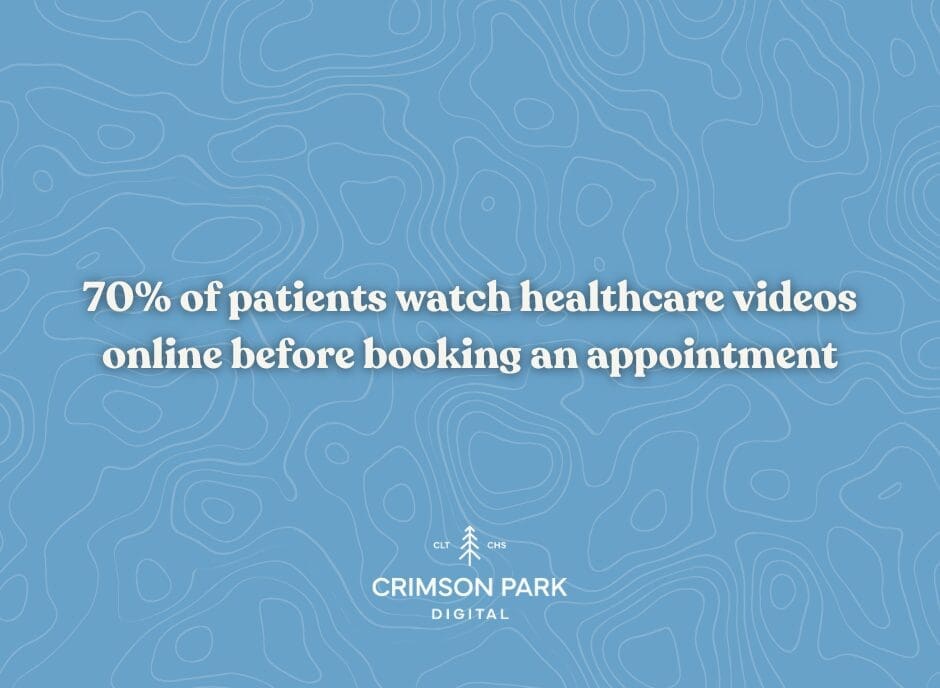
Clip It Up: Short Videos That Pack a Punch
Take your webinar recording and slice it into bite-sized clips. Think 30–60 seconds per clip, highlighting key tips, answers to patient FAQs, or moments of humor or relatability. These short videos are perfect for:
- Social media posts: Instagram Reels, TikTok, LinkedIn, Facebook
- Paid social campaigns: Target people in your area who might be searching for your services
- Website landing pages: Embed clips to encourage engagement and reduce bounce
Expert quick tip: Include captions for accessibility and silent auto-play, and end each clip with a subtle call to action, like “Learn more about [treatment]” or “Schedule a consult.”
Turn Slides Into Evergreen Content
If you used slides in your webinar, don’t just leave them in the recording. Repurpose them as:
- Carousel posts on LinkedIn or Instagram showing step-by-step tips
- Infographics for your blog or newsletter
- Lead magnets that users can download after submitting an email
Even static content can drive engagement if it’s easy to digest and is visually appealing. Think bold headlines, concise tips, and a clear CTA.
Transform Q&A Into Blog Posts or FAQs
Webinar Q&A sessions are a treasure trove of real patient concerns. Turn them into:
- Blog posts: Pick a common question and write a helpful, engaging post around it
- Social media posts: “You asked, we answered” style
- Email content: Provide extra resources or tips to nurture leads
Not only does this create ongoing value, but it also positions your practice as a go-to resource. You’re leveraging existing expertise without extra live sessions.
Tease Full Webinars With Paid Ads
Got a recorded webinar? Make it work for you with paid campaigns. A short teaser or “best-of” clip can entice new audiences to:
- Watch the full webinar on-demand
- Download related resources
- Book a consultation
Paid campaigns give your webinars a second life, reaching patients who never attended the live event. Target ads by location, demographics, or interests to make sure the right eyes see your content.
Repurpose for Email Marketing
If you’ve collected emails during registration, your webinar is a perfect resource for follow-up sequences. Ideas include:
- Highlighting key moments in short emails
- Turning Q&A insights into tips that nurture potential patients
Emails are a direct line to people already interested in your expertise. Repurposing webinar content here keeps your practice top-of-mind.
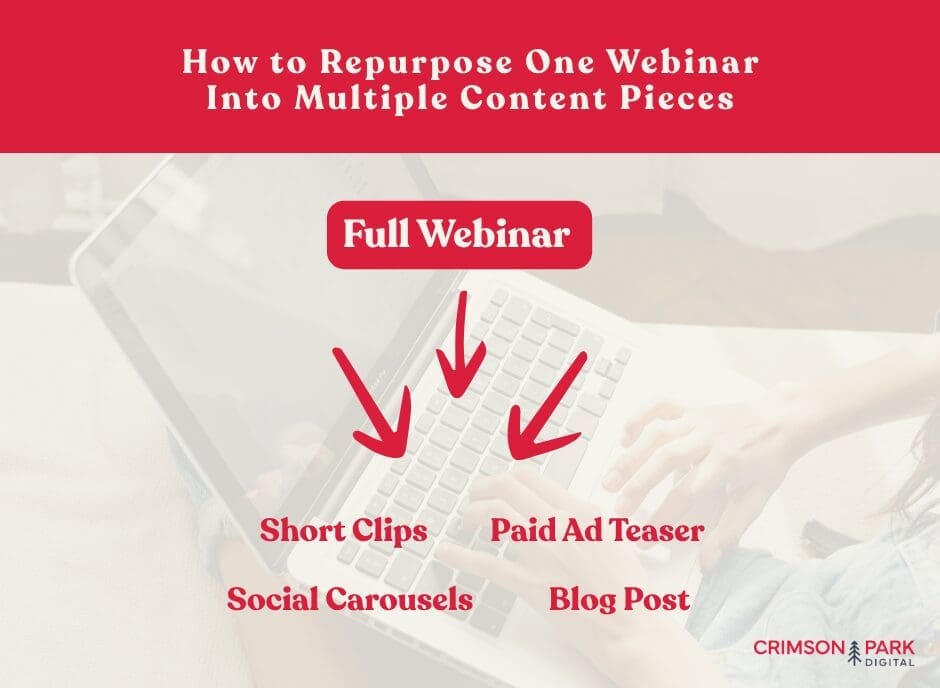
Make a Content Calendar Out of One Webinar
One webinar can generate multiple types of content across weeks or months. For example:
- Clip #1: Quick tip for social media
- Clip #2: Answer to a common patient question
- Blog post: Deeper dive into one topic
- Carousel: Step-by-step guide based on slides
- Paid ad: Teaser encouraging on-demand viewing
This approach turns one piece of content into a steady flow of patient-attracting material.
Keep It Human
The most engaging repurposed content still feels human. Don’t overproduce or over-polish clips. Real Q&A moments, patient-friendly explanations, and authentic storytelling resonate better than perfect scripted content. You want patients to feel like they know you before they even visit.
Measure What Works
Not all repurposed content performs the same. KPIs to best track success include:
- Clicks, views, and engagement on short clips
- Conversion rates from paid ads
- Email opens and downloads
- New patient inquiries tied to webinar content
Use this data to refine future repurposing efforts. Over time, you’ll find which formats, topics, and clips attract the most attention and patient interest.
The Takeaway
You don’t need to reinvent the wheel for marketing. Your existing webinars are a treasure trove of content and ad opportunities waiting to be tapped. Snippets, slides, Q&A insights, and even short teaser ads can all drive patient engagement, nurture leads, and grow your practice.

Want to turn your webinars into a patient magnet without adding more live events to your calendar? Crimson Park Digital specializes in repurposing your existing content into strategic ads and marketing campaigns that attract and engage the right patients. Let’s help you make your webinars work harder for your practice!
For more insights on how healthcare practices are engaging patients online, check out our latest Healthcare Industry Report, packed with trends and strategies that can help you make the most of your digital content.